


In this article
SOL is the native cryptocurrency of the Solana network. If you want to buy it with cash, first check whether your chosen Bitcoin ATM and its operator currently support SOL. Asset availability, exchange rates, and verification requirements may vary by device and country.
Bitomat.com is a platform that aggregates location and information; it is not a device operator or a party to any transactions. The guide below helps you prepare for a purchase; current instructions and terms and conditions are provided by the relevant operator.
1. Set up a wallet that supports Solana
Check to see if your wallet supports native SOL on the Solana network. The video shows an example using the Exodus wallet—this does not mean it is the only wallet available.
Verify the recipient's address and the selected network before confirming the transaction. Do not share your recovery phrase or private key with anyone.
2. Check the location and terms of purchase
On the map at Bitcoin ATMs , select a location in Poland and check the operating hours. Confirm with the operator whether they accept SOL, the accepted cash currencies, the exchange rate, and any fees. The availability of SOL does not automatically confirm that USDT or USDC are accepted on the same network.
3. Confirm the identification requirements
Prepare the documents required by the operator. Do not treat historical amounts of 1,000 EUR or 15,000 EUR as a guarantee that a transaction will be processed without verification. The review may also include smaller amounts; do not split transactions in order to circumvent the process.
For more information, see the current guide on MiCA and KYC.
4. Compare the amount of SOL you will receive
Before making a payment, check the summary on the screen: address, network, exchange rate, fees, and the final amount of cryptocurrency. Network fees and processing time depend on the transaction conditions; do not assume immediate receipt.
Follow the operator's instructions and keep the confirmation. If the funds do not appear in your wallet, contact the official support team and provide the transaction ID, if available.
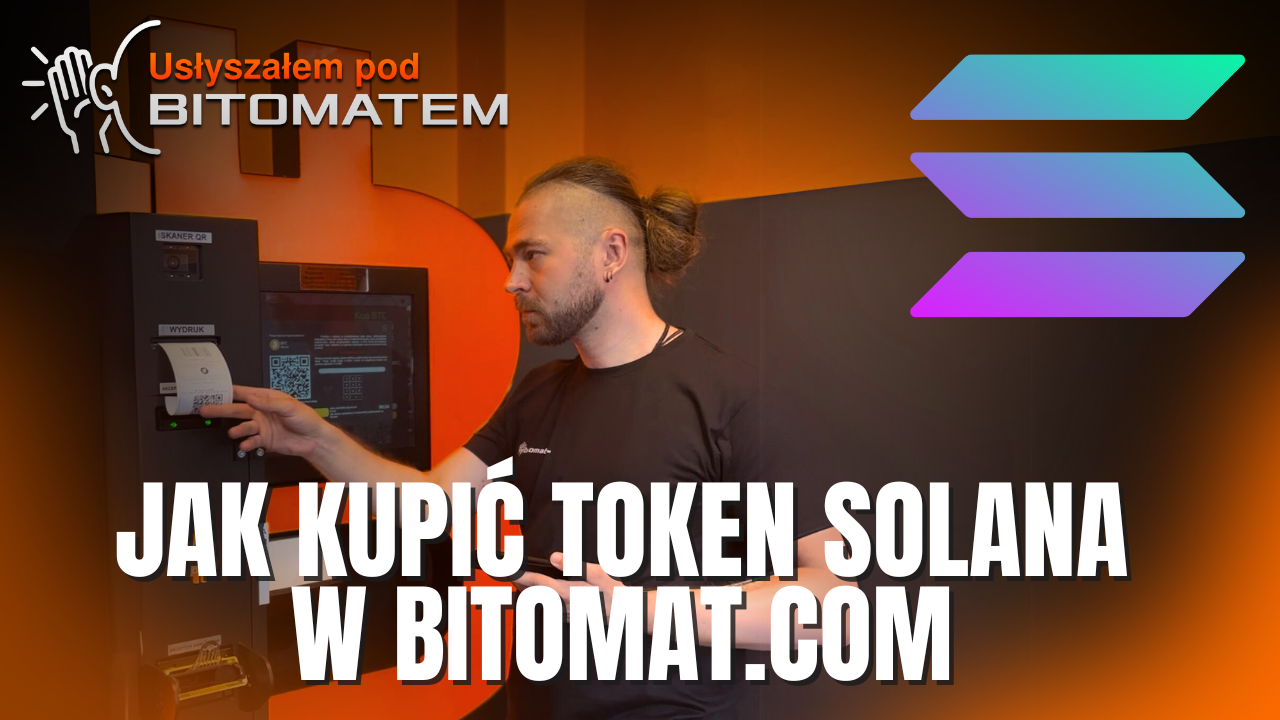
See an example of a SOL purchase
The video “I heard at Bitcoin ATM” shows an example of the purchase process. The video is archival footage; please check with the provider for current requirements and offers before making a transaction.
Updated: October 11, 2026